Instagram comment to DM: send your link to everyone who comments a keyword
Instagram comment to DM sends your link by DM to anyone who comments a keyword. How to set up auto DM on Instagram for comments, on Meta's official API.
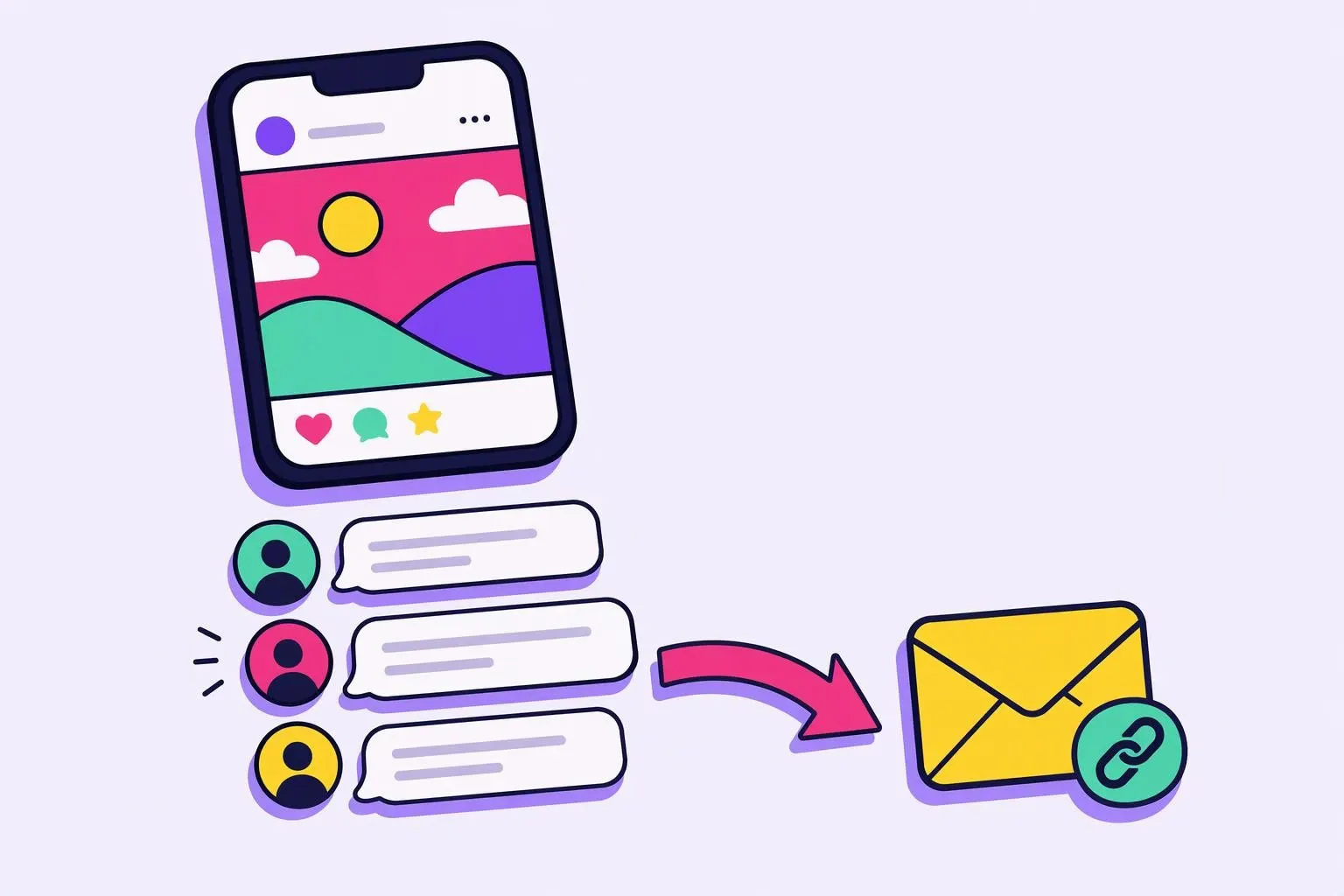
Instagram comment to DM sends an automatic private message to anyone who comments a keyword on your post or reel, so your link reaches everyone who asks for it without you replying by hand. Someone types "guide" under your reel, gets a public reply under their comment, and a moment later finds your link in their DMs. In InstaReacher it runs on Meta's official API and comes with every plan.
This is the low-risk kind of Instagram automation. Meta built the API for this, so nothing logs in as you. Low risk isn't no risk, though. Links and spammy wording can still get messages flagged. Replies also land in the same inbox as your outreach, so a comment that turns into a conversation sits next to everything else. Comment-to-DM is one part of Instagram DM automation, and that page covers the outbound side too.
How to set up auto DM on Instagram for comments
To set up auto DM for comments, you pick the posts, the keywords and the message. When someone comments a matching word, InstaReacher posts one of your public replies under their comment and sends your private message, link included. Their reply lands in your inbox, tagged as coming from a comment. Meta allows one private reply per comment, and it has to go out within 7 days.
Setting up a rule in InstaReacher:
- Choose the posts or reels the rule watches.
- Add keywords, like "guide", "price" or "link". A match anywhere in the comment counts.
- Write up to 3 public replies. InstaReacher rotates them so your comments section doesn't fill up with the same line.
- Write the private message. Links are allowed here, unlike in a cold message request.
- Turn it on. From then on, new matching comments trigger it.
What Meta allows, and why it matters
Comment-to-DM runs on Instagram's private replies, a documented part of Meta's API for professional accounts. Meta allows one message per comment, sent within 7 days of the comment. You can follow up only if the person writes back, and only within 24 hours. Meta sets these rules itself, so tools that follow them don't carry the ban risk of tools that log in as you.
Meta's private replies documentation (read 3 November 2026) says: "Only one message can be sent to the commenter," and further messages are allowed only if the person responds (Meta). The private reply lands in their main inbox or in their requests depending on whether the person follows you.
In practice:
- One message has to do the job, so put the link in it rather than holding it back for a second step.
- Reply fast. Old posts stop working once their comments age past the 7-day window.
- Once people reply, answer them yourself. That's where the conversation starts.
For the wider view of what the official API can and can't do, see the Instagram messaging API: what it can and can't do.
Why comment-to-DM works for some people and not others
A common complaint is that the first message arrives and the next step never does. A ManyChat user on Reddit described exactly that: commenters got the first DM, but many never got the second message after tapping a button. Meta's rules may be the cause, since a follow-up needs the person to respond within the window. We can't see inside ManyChat to confirm it.
The r/automation poster (u/Holiday_Spread8095, thread, re-read 3 November 2026) noticed that the people who got stuck were marked "Visitor" and the ones who got through were "Subscribed". Both replies in that thread recommended a tool. We couldn't verify that either account is independent, so we haven't treated them as answers.
How InstaReacher avoids that failure:
- The link goes in the first private message, so nothing depends on a second automated step.
- There are no button flows to break: one rule, one public reply and one private message.
- After that it's a conversation. When they reply, you see it in the inbox and answer as yourself.
If you need multi-step chatbot flows with buttons, quizzes and branching, a chatbot builder like ManyChat is made for that. What it costs, and what Reddit says about it, is in ManyChat pricing and ManyChat: what Reddit says about price, limits and alternatives.
Comment to DM and cold outreach in one place
Comment-to-DM answers people who have already shown interest. Cold outreach starts conversations with people who haven't found you yet. The two use different parts of Instagram: the first runs on the official API, and the second logs in to your account. InstaReacher does both and puts every reply in one inbox, labelled by where it came from.
| Comment-to-DM | Cold outreach | |
|---|---|---|
| Who starts it | The commenter | You |
| How it connects | Meta's official API | Your account, through a hosted sign-in |
| Ban risk from the connection | Low | Higher, so it runs on a slow ramp with an automatic pause |
| Links in the first message | Allowed | Not allowed, text only |
| Where replies go | The InstaReacher inbox, tagged "from a comment" | The same inbox |
Reddit says it plainly, so we will too: tools that log in and act like a person carry more risk than official-API tools. So our cold outreach runs at a careful pace, with one text-only request per person and an automatic pause on any login check.
Comment-to-DM only answers people who comment. It can't greet someone for following you, and nothing on Meta's official API can. If you want a first message ready for people who write to you, our Instagram welcome message examples give you a starting point.
Good keyword rules
The keyword is your call to action. Keep it short and unusual enough that it won't fire by accident, and say it clearly in the caption. "Comment GUIDE and I'll send it" works better than hoping people guess. Keep the private message short too: the link, plus one line saying what it is.
A few tips:
- Use one keyword per offer, so you can tell what each post brings in.
- Put the keyword in the caption and on the video. People only comment what they're told to.
- Write the DM the way a person would. "Here's the guide you asked for" beats a block of marketing copy.
- Reply to everyone who answers. Comment-to-DM opens the conversation, and the rest is up to you.
Questions
What is the best tool for Instagram comment to DM automation?
Pick one that runs on Meta's official API, puts the link in the first private message, and sends replies somewhere your team will see them. If you need button flows and quizzes, a chatbot builder like ManyChat is the better fit. If you also want to start conversations with new prospects, see Instagram DM automation. We sell InstaReacher, so weigh that.
Can comment to DM send a second message automatically?
Only if the person replies. Meta allows one private reply per comment. After that you can message again only once the person writes back, and only within 24 hours.
Does comment to DM put my account at risk?
Less than tools that log in as you, because it runs on Meta's official API. Spammy wording and too many links can still get messages flagged, so keep the private message short and personal.
Can it DM people who follow me?
No. Nothing on Meta's official API can greet someone just because they followed you. Comment to DM only answers comments.
Looking at other options for comment triggers and replies? See the best Instagram automation tools.
Want to try comment-to-DM without paying? Compare the free Instagram DM automation plans, or see why you can't auto DM new followers on Instagram.