Instagram CRM: a light CRM for leads who reply in your DMs
An Instagram CRM keeps each DM lead's stage, notes and source next to the chat. InstaReacher's CRM for IG is light by design: built for DMs.
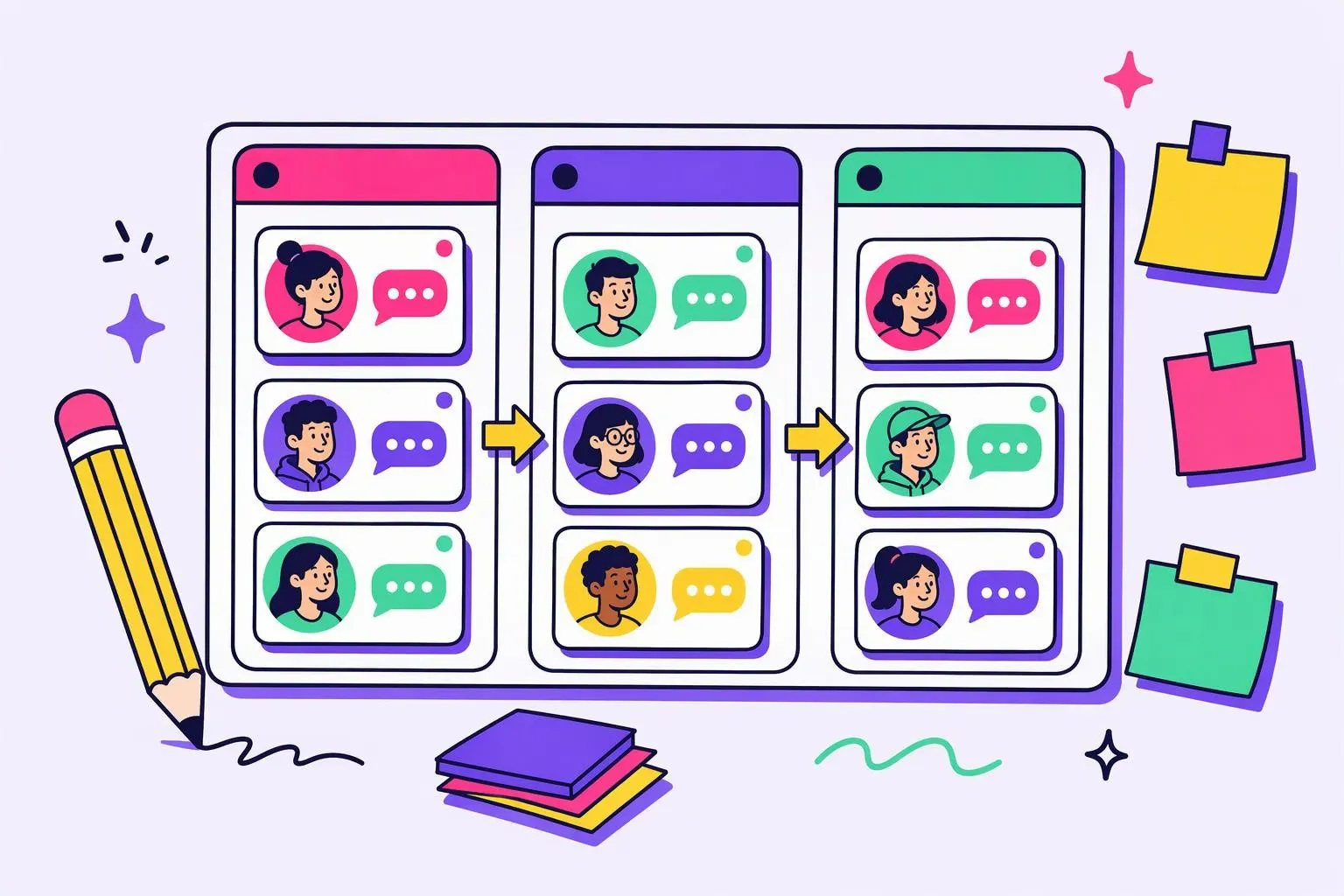
An Instagram CRM keeps track of every lead you talk to in your DMs, so each conversation has a stage, notes and a next step instead of living in your scroll history. It records who each person is, where they came from, what stage they're at and what your team knows about them. Without one, good leads go cold while you're still looking for them.
InstaReacher has a light CRM inside its inbox. Each conversation gets a lead panel with the person's bio, any public email, the campaign that found them, a stage and team notes. It's built for DM conversations. It doesn't try to replace a full CRM like the one your sales team may already use.
What an Instagram CRM needs to do
You need one record per person, tied to the conversation, with a stage and notes you can search and filter. On Instagram the record also has to show which of your accounts the person is talking to and how they arrived: from outreach, from a comment, or from a message they sent you first.
At minimum, that means:
- One record per person, attached to the DM thread itself.
- A stage, like interested or booked, so you can see the pipeline.
- Notes your whole team can read.
- The source: which campaign, audience or post brought them in.
- Which account they're talking to, if you run more than one.
What InstaReacher's lead panel shows
Open any conversation in the InstaReacher inbox and the lead panel sits beside it. It shows the person's bio, a public email if they list one, the campaign that found them, their stage and your team's notes. When you change the stage as the conversation moves, the inbox filters update with it.
| Field | Where it comes from |
|---|---|
| Bio and profile | Their public Instagram profile |
| Public email | Only when they show it publicly, usually on a business account |
| Source campaign | The InstaReacher campaign and audience that found them |
| Stage | You set it: needs reply, interested, booked |
| Notes | Your team, shared across the workspace |
| History | Your request, follow-ups and their replies, with seen receipts where available |
The public email is easy to overlook. If someone never accepts your request, a public business email gives you another polite way to reach them outside Instagram.
How stages turn replies into a pipeline
Stages turn a list of chats into a pipeline. Mark someone interested when they ask a question and booked when a call is on the calendar. Everyone else stays in "needs reply" until you answer. The inbox filters by stage, so each person's next action is one click away.
A simple working rhythm:
- Start each day on "needs reply" across every account.
- Move people to "interested" when they engage with your offer.
- Move them to "booked" once a call or meeting is set.
- Leave a note after every meaningful exchange.
Follow-ups stop the moment someone replies, so nobody gets an automated message in the middle of a conversation.
What it isn't
It's a light CRM for Instagram conversations. It doesn't handle deal values, forecasting, email sequences, quotes or cross-channel reporting. If you already use a CRM for those, keep it and use InstaReacher's lead panel for the Instagram side. There's no direct sync to other CRMs yet.
In short:
- Use it to keep DM leads organised, share context with a team, and never lose a reply.
- Don't expect the pipeline value tracking or integrations of a sales CRM.
- Files and voice notes in conversations aren't built yet, so they show as coming soon.
Where the leads come from
The CRM fills itself as conversations start. InstaReacher builds audiences from competitors' followers, post likers and commenters, hashtags, bio keywords, lookalikes and CSV uploads. It then sends each person one message request from your own account at a careful pace. Sending logs in as you, which carries more risk than Meta's official API, so every account runs on a slow ramp and pauses automatically on any login check.
The Instagram lead generation tool page covers how leads are found, and the Instagram cold DM tool page covers how the first message goes out. Replies from Instagram comment to DM land in the same CRM, tagged as coming from a comment. The lead panel sits inside a shared inbox across all your accounts, which the Instagram inbox management page describes.
Questions
What is a CRM for IG?
A CRM for IG (Instagram) tracks the people you talk to in Instagram DMs: one record per person, with a stage, notes and where they came from. Some come built into DM tools, like InstaReacher's lead panel. Others are full sales CRMs that connect to Instagram.
Can I try the Instagram CRM before paying?
Yes. The sample app runs on sample data, so you can open the inbox, move leads between stages and add notes. Billing isn't live yet.
Does it work across several Instagram accounts?
Yes. Conversations from every connected account land in one inbox, and each lead shows which account they're talking to. For running several accounts safely, see multiple Instagram accounts.
Does it sync with my other CRM?
Not yet. There's no direct sync to other CRMs, so keep deal values in your sales CRM and use InstaReacher for the Instagram side.